How to Use ZenAlgo Without Cluttering Your Chart
A clean chart is not an empty chart. It is a chart where every tool has a job.
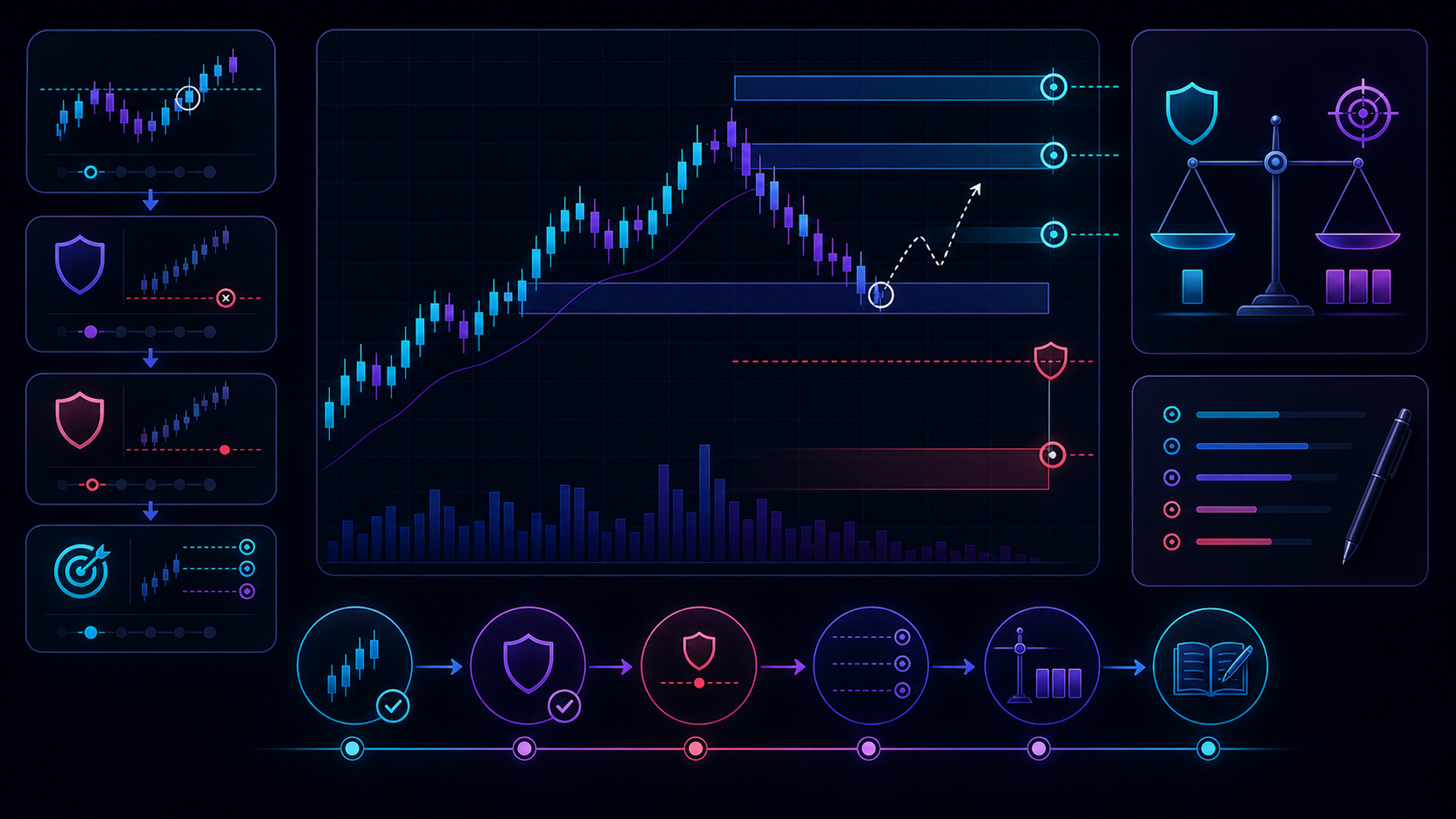
Do not add indicators because they are interesting. Add them because they answer a specific decision question.
Indicator clutter usually starts with good intentions.
A trader adds one tool for trend, another for momentum, another for volume, another for levels, another for signals, another because it looked helpful in a video. Soon the chart is visually busy, but the decision is not clearer. In fact, the trader now has more ways to argue with themselves.
The solution is not to use no tools. The solution is to assign jobs.
One Tool, One Question
A clean workflow might ask four questions:
What is the market context? Where is price located? Is the setup ready? Where is risk defined?
Each tool should answer one of those questions. Crypto Trend or Avenger may handle context. Levels or Grid may handle structure. Engine or Five Elements may handle readiness. Order-flow tools may be added only when the workflow needs flow confirmation.
If two tools answer the same question, choose one unless they genuinely provide different information.
Avoid Confirmation Stacking
More indicators do not automatically mean more confluence.
Sometimes a trader stacks tools until one of them supports the trade they already want. That is not confluence. That is shopping for permission.
Real confluence is defined before the session. It says which conditions matter and how they combine. If the conditions are missing, the trade is skipped.
Build Presets by Workflow
Instead of one giant chart layout, create focused presets.
A trend-following layout might use trend, value, readiness, and structure. A breakout layout might use compression, levels, volume, and flow. A mean-reversion layout might use range/value tools and exhaustion context.
This keeps the chart aligned with the playbook.
The Clean Chart Test
Look at each indicator and ask: "What decision does this tool help me make?"
If you cannot answer clearly, remove it for now. You can always bring it back when the workflow needs it.
Continue Learning
- Learn top-down analysis.
- Review TradingView setup.
- Study Engine and Five Elements.
Reducing chart clutter can improve clarity, but no indicator stack removes risk. Always define invalidation and position size.